Prisma Client Extensions: 15 Ways to Extend Prisma ORM

Prisma Client extensions let you add custom, fully type-safe behavior to Prisma ORM: computed fields, validation, query hooks, row-level security, retries, and your own model or client methods, all through one $extends call. This article catalogs 15 practical extension patterns with runnable code for each.
Updated (July 2026): Prisma Client extensions announced here in Preview have long been generally available (since Prisma 4.16.0) and require no preview flag. On Prisma 7, extensions are also the replacement for middleware (
$use), which was removed. The setup section below reflects Prisma 7; the example catalog is maintained in the prisma-client-extensions repo.
Introduction
Prisma Client extensions add custom functionality to Prisma in a type-safe manner. You can create flexible solutions to problems the ORM does not cover natively, define extensions in TypeScript or JavaScript, compose them, and create multiple lightweight Prisma Client instances with different extensions.
When you're ready, you can share your extensions with the community as code snippets or by packaging them and publishing them to npm. This article will show you what's possible with extensions and hopefully inspires you to create and share your own!
Using Prisma Client extensions
Prisma Client extensions are generally available and need no feature flag. On Prisma 7, your generator block looks like this (the prisma-client generator writes the Client into your project, and you import it from that output path rather than from @prisma/client):
generator client {
  provider = "prisma-client"
  output   = "../src/generated/prisma"
}
You can then call the $extends method on a Prisma Client instance. This will return a new, "extended" client instance without modifying the original instance. You can chain calls to $extends to use multiple extensions, and create separate instances with different extensions:
const prisma = new PrismaClient();
const extendedPrisma = prisma.$extends(myExtensionA).$extends(myExtensionB);
The components of an extension
There are four different types of components that can be included in an extension:
- Model components allow you to add new methods to models. This is a convenient way to add new operations alongside default methods like
findMany,create, etc. You can use this as a repository of common query methods, encapsulate business logic for models, or do anything you might do with a static method on a class. - Client components can be used to add new top-level methods to Prisma Client itself. Use this to extend the client with functionality that isn't tied to specific models.
- Query components let you hook into the query lifecycle and perform side effects, modify query arguments, or alter the results in a type-safe way. They replaced middleware (
$use), which was removed in Prisma ORM, and provide full type safety while being applicable ad-hoc to different extended client instances. - Result components add custom fields and methods to query result objects. These allow you to implement virtual / computed fields, define business logic for model instances in a single place, and transform the data returned by your queries.
A single extension can include one or more components, as well as an optional name to display in error messages:
const prisma = new PrismaClient().$extends({
  name: "myExtension",
  model: { /* ... */ },
  client: { /* ... */ },
  query: { /* ... */ },
  result: { /* ... */ },
});
To see the full syntax for defining each type of extension component, please refer to the docs.
Sharing an extension
You can use the Prisma.defineExtension utility to define an extension that can be shared with other users:
import { Prisma } from "@prisma/client";

export default Prisma.defineExtension({
  model: {
    $allModels: {
      // new method
      findOrCreate(...) { } // code for the new method goes inside the brackets
    },
  },
});
When publishing shared extensions to npm, we recommend using the prisma-extension-<package-name> convention. This will make it easier for users to find and install your extension in their apps.
For example, if you publish an extension with the package name prisma-extension-find-or-create, users can install it like:
npm install prisma-extension-find-or-createAnd then use the extension in their app:
import { PrismaClient } from "@prisma/client";
import findOrCreate from "prisma-extension-find-or-create";

const prisma = new PrismaClient().$extends(findOrCreate);
const user = await prisma.user.findOrCreate({ /* ... */ });
Read our documentation on sharing extensions for more details.
Sample use cases
We have compiled a list of use cases that might be solved with extensions, and we've created some examples of how these extensions could be written. Let's take a look at these use cases and their implementations:
Note: The examples below import from
@prisma/client, matching the examples repo. On Prisma 7 with theprisma-clientgenerator, importPrismaClientandPrismafrom your configured output path instead, and pass a driver adapter. Where an example has caveats, they are listed in itsREADMEon GitHub.
Example: Computed fields
This example demonstrates how to create a Prisma Client extension that adds virtual / computed fields to a Prisma model. These fields are not included in the database, but rather are computed at runtime.
Computed fields are type-safe and may return anything from simple values to complex objects, or even functions that can act as instance methods for your models. Computed fields must specify which other fields they depend on, and they may be composed / reused by other computed fields.
Example: Transformed fields
This example shows how to use a Prisma Client extension to transform fields in results returned by Prisma queries. In the example, a date field is transformed to a relative string for a specific locale.
This shows a way to implement internationalization (i18n) at the data access layer in your application. However, this technique could allow you to implement any kind of custom transformation or serialization/deserialization of fields on your query results.
Example: Obfuscated fields
This example is a special case for the previous Transformed fields example. It uses an extension to hide a sensitive password field on a User model. The password column is not included in selected columns in the underlying SQL queries, and it will resolve to undefined when accessed on a user result object. It could also resolve to any other value, such as an obfuscated string like "********".
Example: Instance methods
This example shows how to add an Active Record-like interface to Prisma result objects. It uses a result extension to add save and delete methods directly to User model objects returned by Prisma Client methods.
This technique can be used to customize Prisma result objects with behavior, analogous to adding instance methods to model classes.
Example: Static methods
This example demonstrates how to create a Prisma Client extension that adds signUp() and findManyByDomain() methods to a User model.
This technique can be used to abstract the logic for common queries / operations, create repository-like interfaces, or do anything you might do with a static class method.
Example: Model filters
This example demonstrates a Prisma Client extension which adds reusable filters for a model that can be composed and passed to a query's where condition. Complex, frequently used filtering conditions can be written once and accessed in many queries through the extended Prisma Client instance.
Example: Readonly client
This example creates a client that only allows read operations like findMany and count, not write operations like create or update. Calling write operations will result in an error at runtime and at compile time with TypeScript.
Example: Input transformation
This example creates an extended client instance which modifies query arguments to only include published posts.
Since query extensions allow modifying query arguments, it's possible to apply various kinds of default filters with this approach.
Example: Input validation
This example uses Prisma Client extensions to perform custom runtime validations when creating and updating database objects. It uses a Zod runtime schema to check that the data passed to Prisma write methods is valid.
This could be used to sanitize user input or otherwise deny mutations that do not meet some criteria defined by your business logic rules.
Example: JSON Field Types
This next example combines the approaches shown in the Input validation and Transformed fields examples to provide static and runtime types for a Json field. It uses Zod to parse the field data and infer static TypeScript types.
This example includes a User model with a JSON profile field, which has a sparse structure that may vary between users. The extension has two parts:
- A
resultextension that adds a computedprofilefield. This field uses theProfileZod schema to parse the underlying untypedprofilefield. TypeScript infers the static data type from the parser, so query results have both static and runtime type safety. - A
queryextension that parses theprofilefield on input data for theUsermodel's write methods likecreateandupdate.
Example: Query logging
This example shows the extension equivalent of what middleware ($use) did before its removal. A query extension tracks the time it takes to fulfill each query, and logs the results along with the query and arguments themselves.
This technique could be used to perform generic logging, emit events, track usage, etc.
Note: You may also be interested in tracing and metrics, which provide detailed insights into performance and how Prisma interacts with the database.
Example: Retry transactions
This example shows how to use a Prisma Client extension to automatically retry transactions that fail due to a write conflict / deadlock timeout. Failed transactions will be retried with exponential backoff and jitter to reduce contention under heavy traffic.
Example: Callback-free interactive transactions
This example shows a Prisma Client extension which adds a new API for starting interactive transactions without callbacks.
This gives you the full power of interactive transactions (such as read-modify-write cycles), but in a more imperative API. This may be more convenient than the normal callback-style API for interactive transactions in some scenarios.
Example: Audit log context
This example shows how to use a Prisma Client extension to provide the current application user's ID as context to an audit log trigger in Postgres. User IDs are included in an audit trail tracking every change to rows in a table.
A detailed explanation of this solution can be found in the example's README on GitHub.
Example: Row level security
This example shows how to use a Prisma Client extension to isolate data between tenants in a multi-tenant app using Row Level Security (RLS) in Postgres.
A detailed explanation of this solution can be found in the example's README on GitHub.
Frequently asked questions
Wrapping up
Extensions are how you teach Prisma Client the conventions of your codebase: the 15 patterns above are starting points, and the examples repo keeps runnable versions of each. They work the same against any Postgres, including a Prisma Postgres database you can create in seconds with npx create-db.
Looking ahead: Prisma Next is a TypeScript-native rewrite of Prisma ORM, built for AI coding agents and currently in early access. It becomes Prisma 8 at general availability; until then, Prisma 7 stays the production choice. To try it, run npm create prisma@next or read the early access docs.
Keep reading
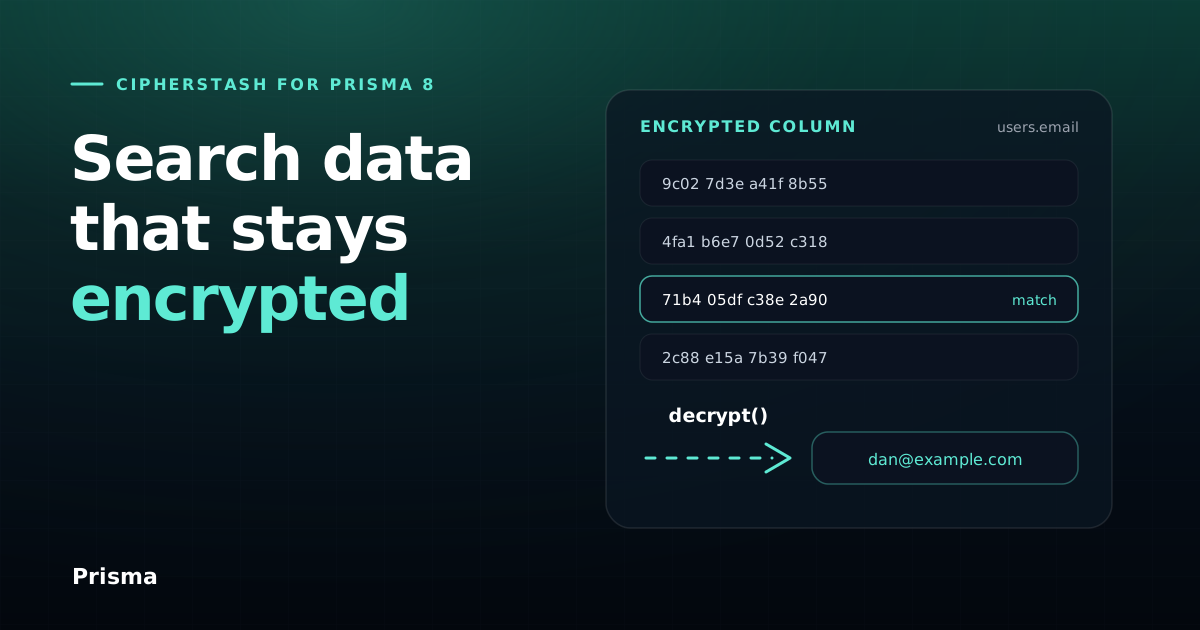
Search encrypted data with Prisma 8 and CipherStash
CipherStash brings searchable field-level encryption to Prisma 8: encrypted equality, free-text and range queries, and identity-based key management.

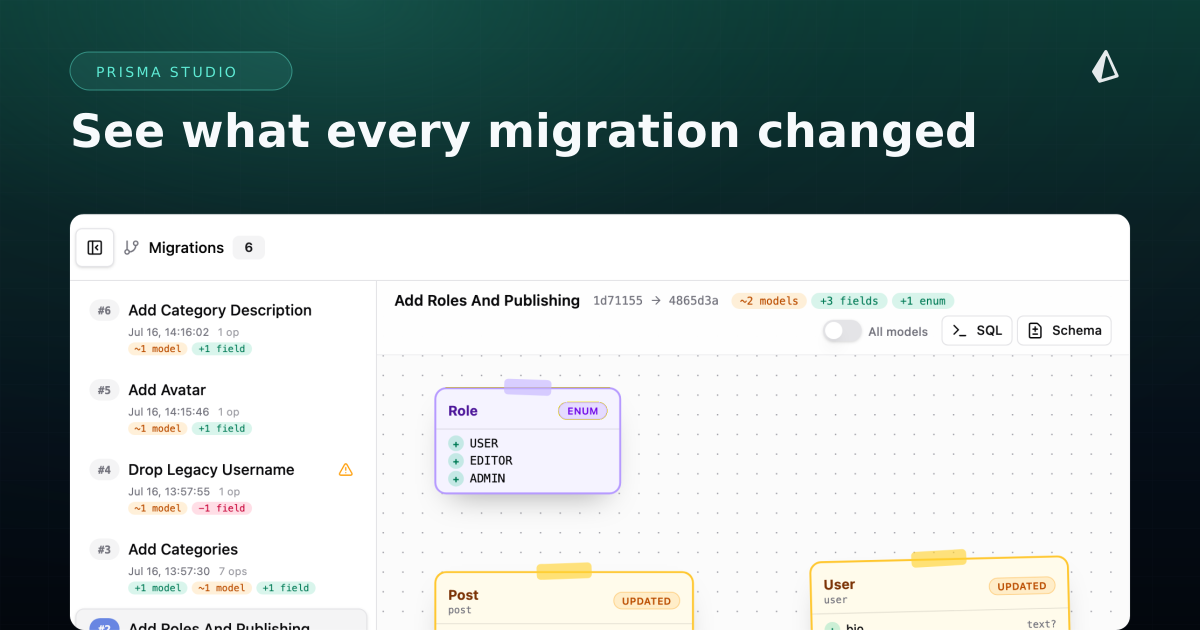
See Your Migration History in Prisma Studio
The Prisma Studio Migrations view shows every applied Prisma Next migration as a timeline with a visual diff, the executed SQL, and a schema diff.


Build your next app with Prisma
Start free. Scale when you’re ready.